Activity Detail#
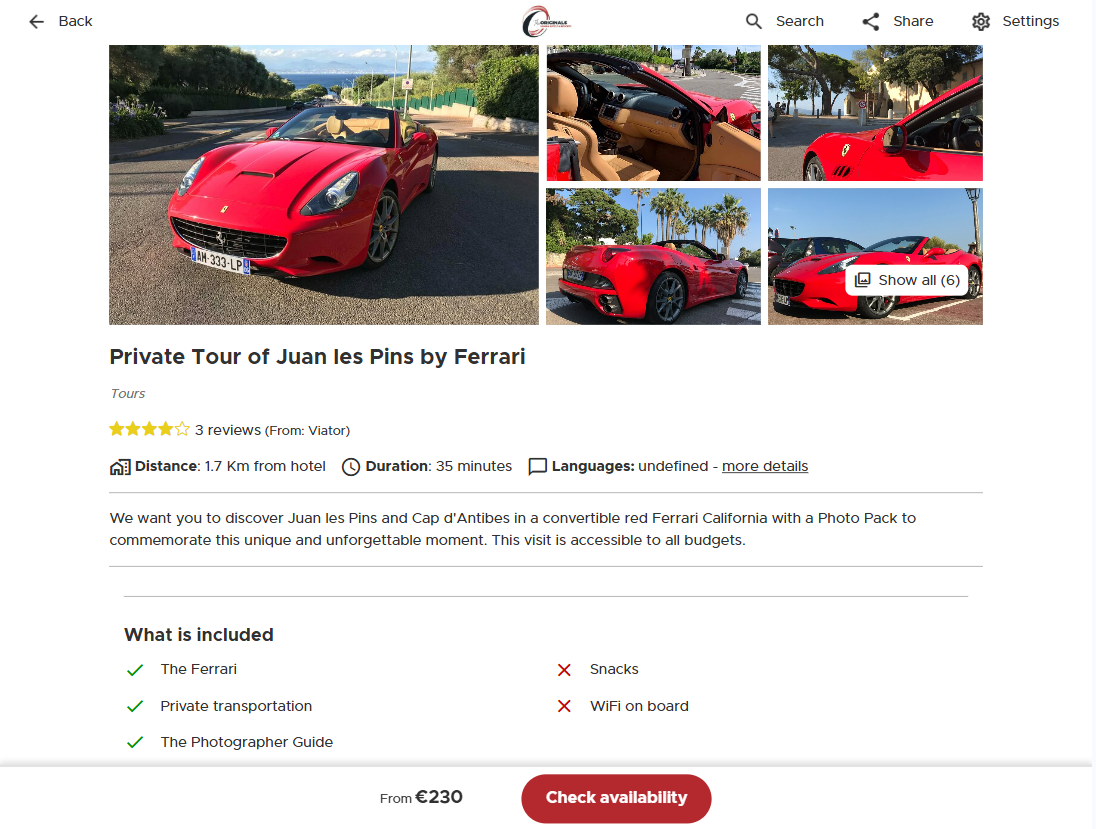
In the Activity Detail view, the traveler can check all the information about an individual activity from the Amadeus Discover catalog, browse its image gallery and ultimately perform a booking through the “Check Availability” button. If the user has reached this view from another one, the view also displays a back button to navigate back. In the White Label, clicking on the “Check Availability” button will prompt the user to finalize the booking through the activity supplier’s booking page, either in an embedded iframe or new browser tab depending on the supplier specificities.
Standalone Path
/v3/share/{yourChannelId}/experience/{experienceId} an example can be found here
Widget Config
<traveler-widget
    channel-uuid="{yourChannelId}"
    experience-id="{experienceId}"
    view="detail">
</traveler-widget>